Attach any document
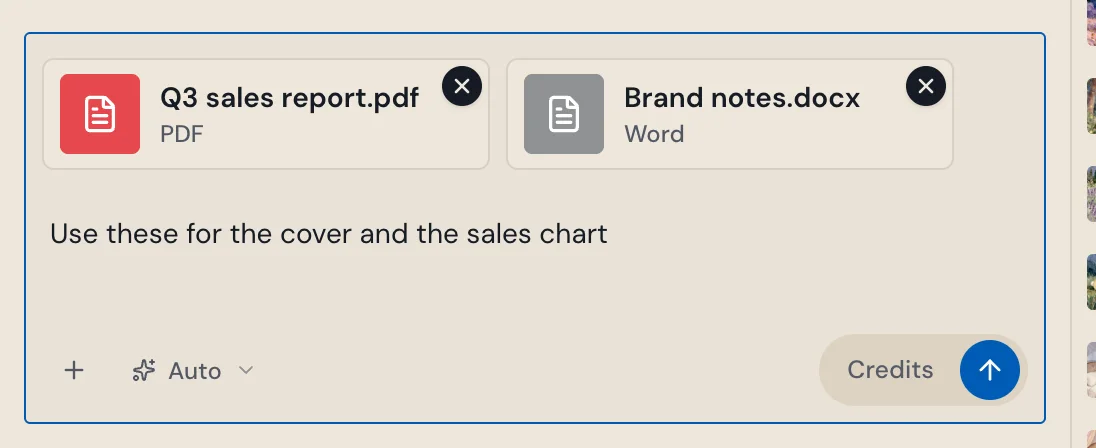
The AI now reads every file you attach, all of it, and Stop ends a reply right away.
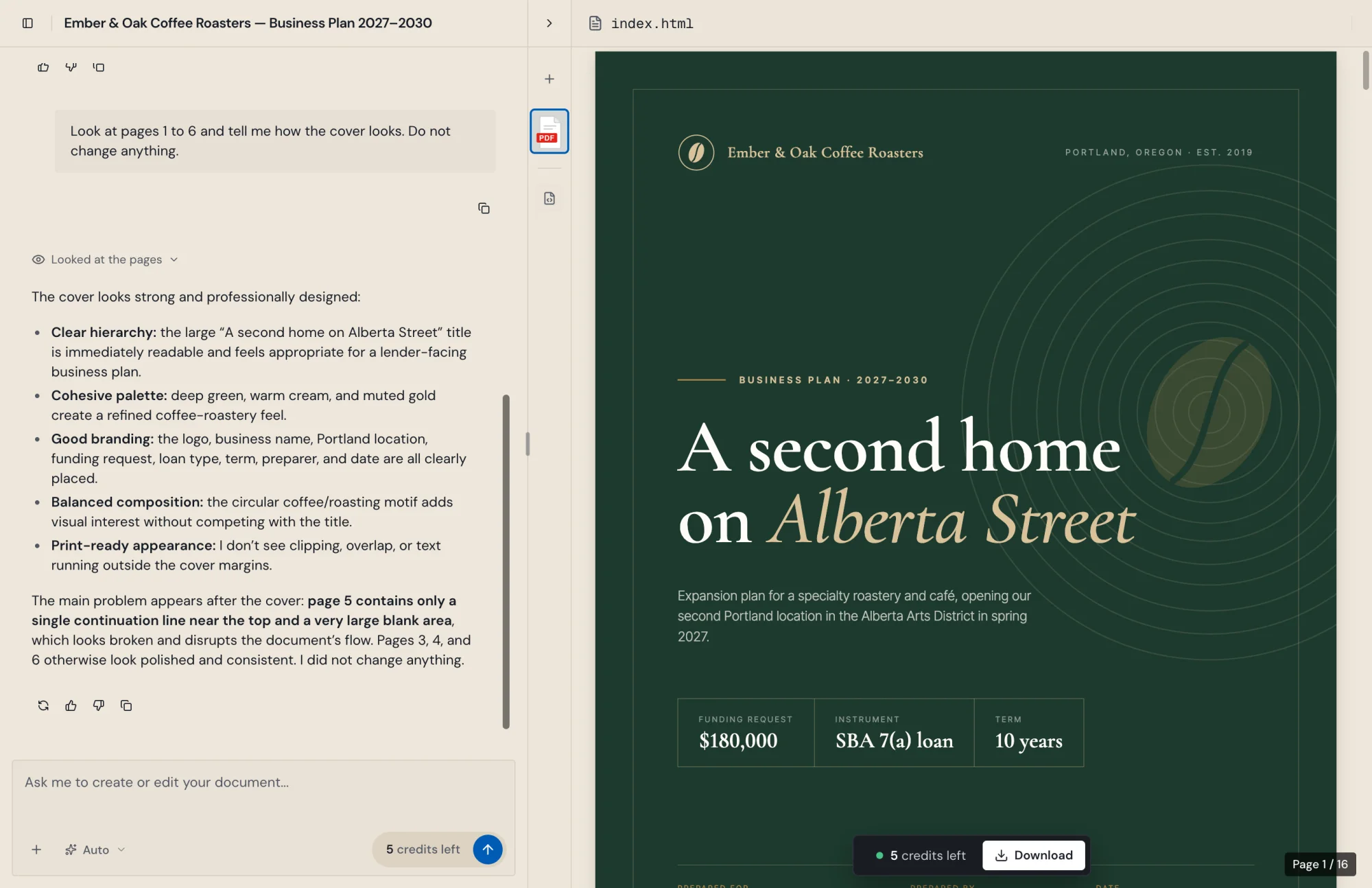
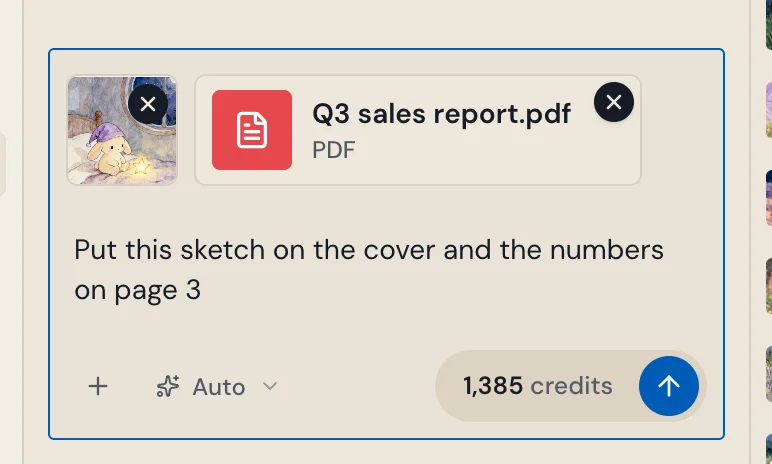
Attach a PDF, a scan, or a Word, Excel or PowerPoint file, including older .doc, .xls and .ppt files, and the AI reads what is actually in it. Long files are read in full instead of being cut off.
Stop
While the AI works, the Send button turns into Stop. Press it and the AI stops right away, even after a reload. One reply runs at a time in each document, so two requests never overwrite each other.
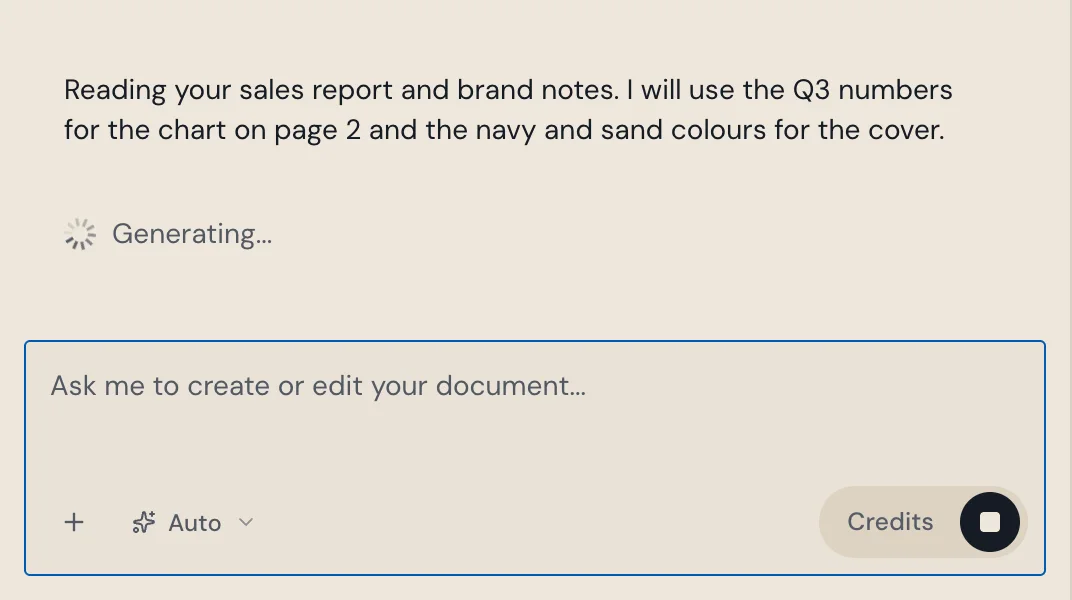
Keeps going when your connection drops
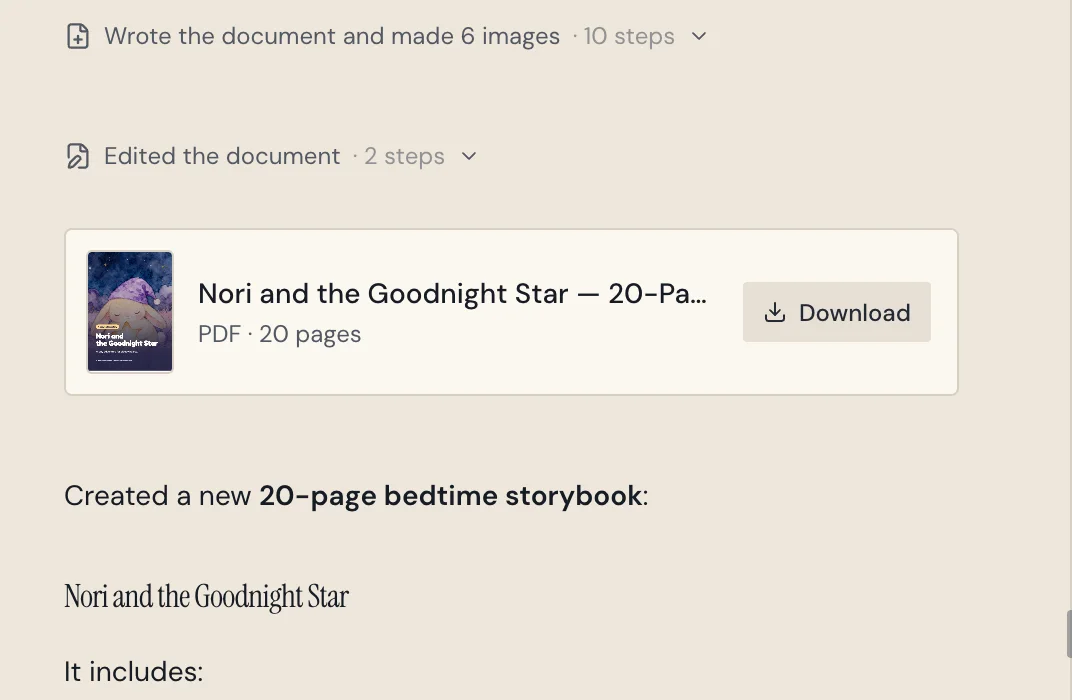
Lock your phone or switch apps while a PDF is being made. The AI keeps working, and the chat catches up when you come back.
Live progress in the preview
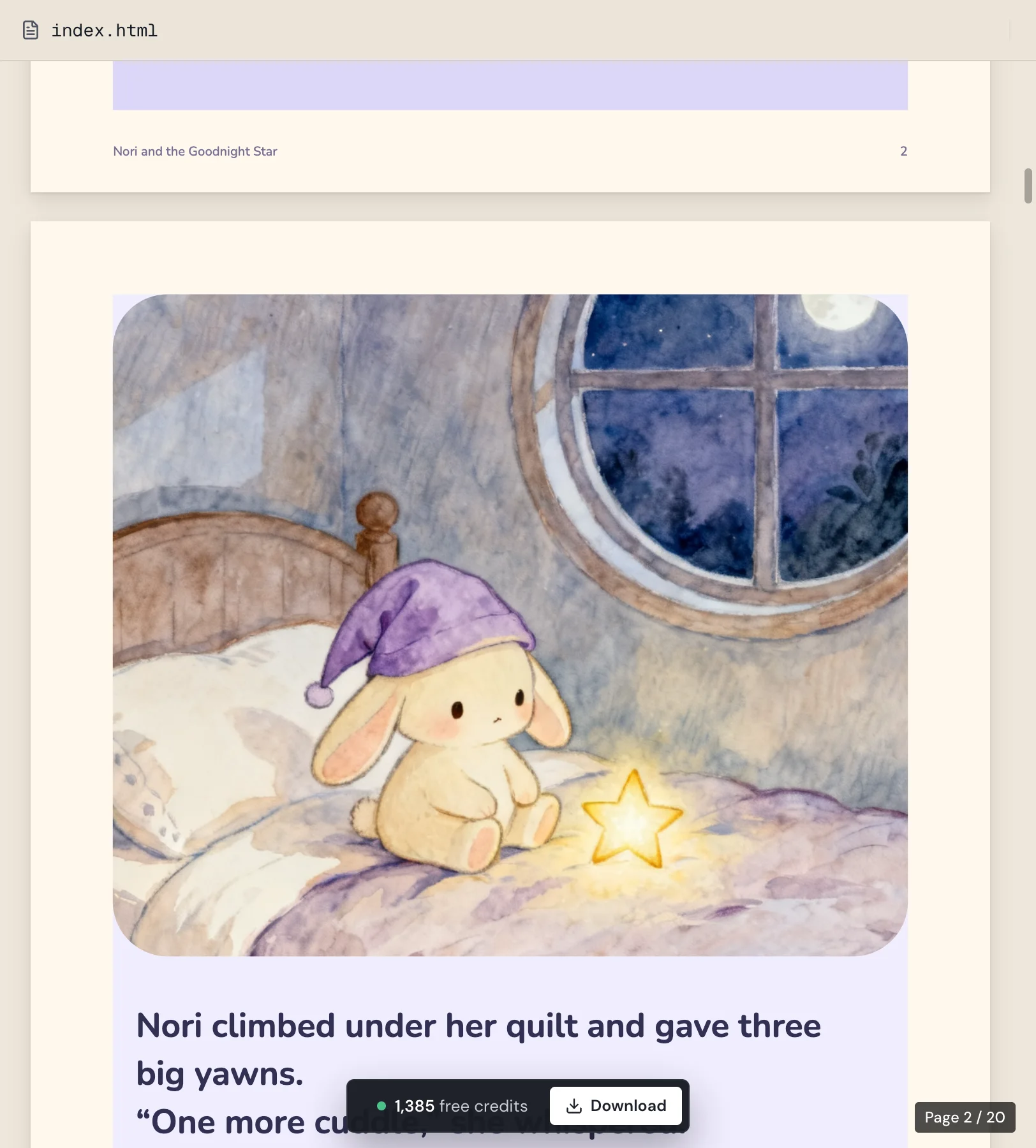
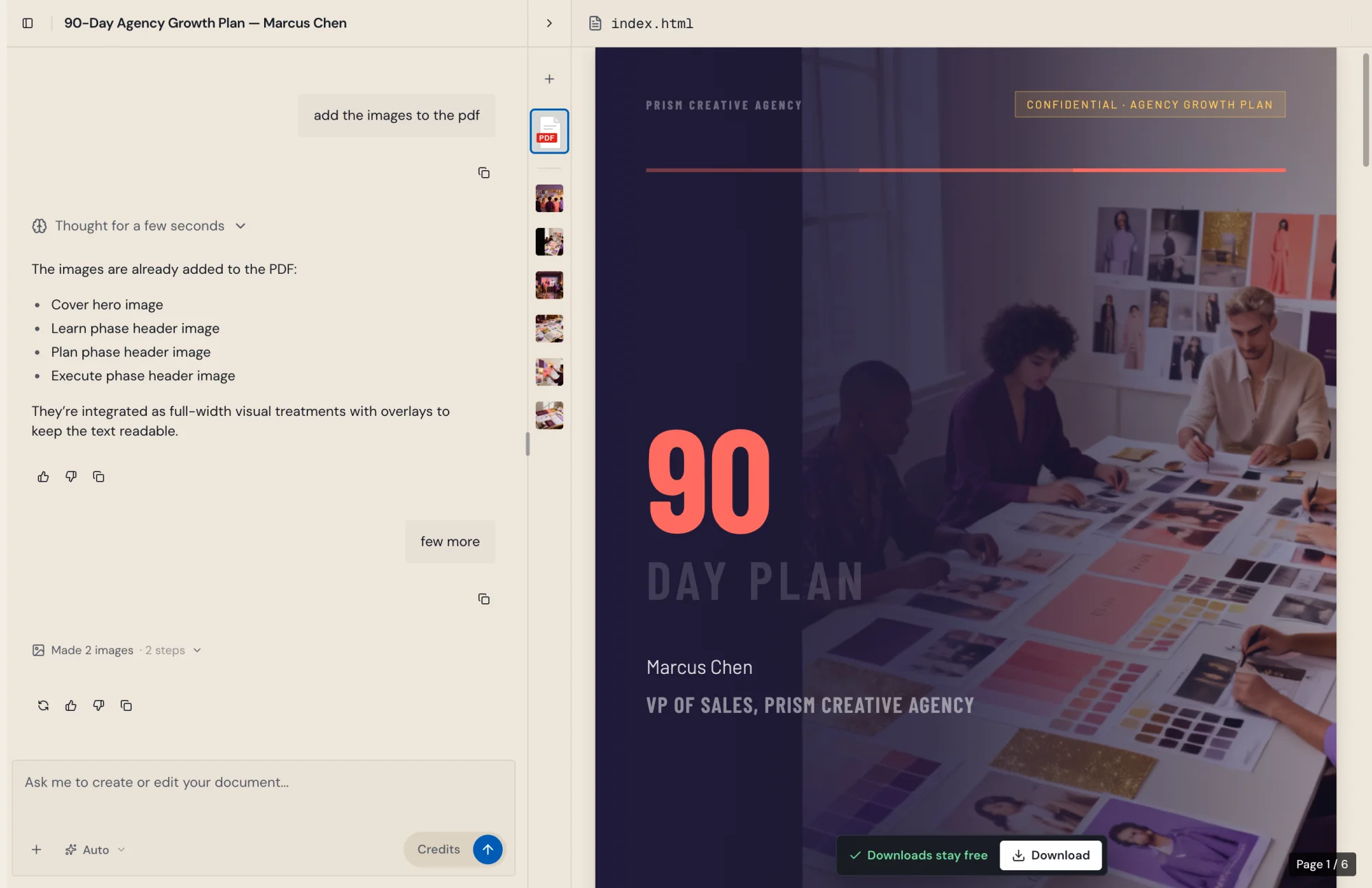
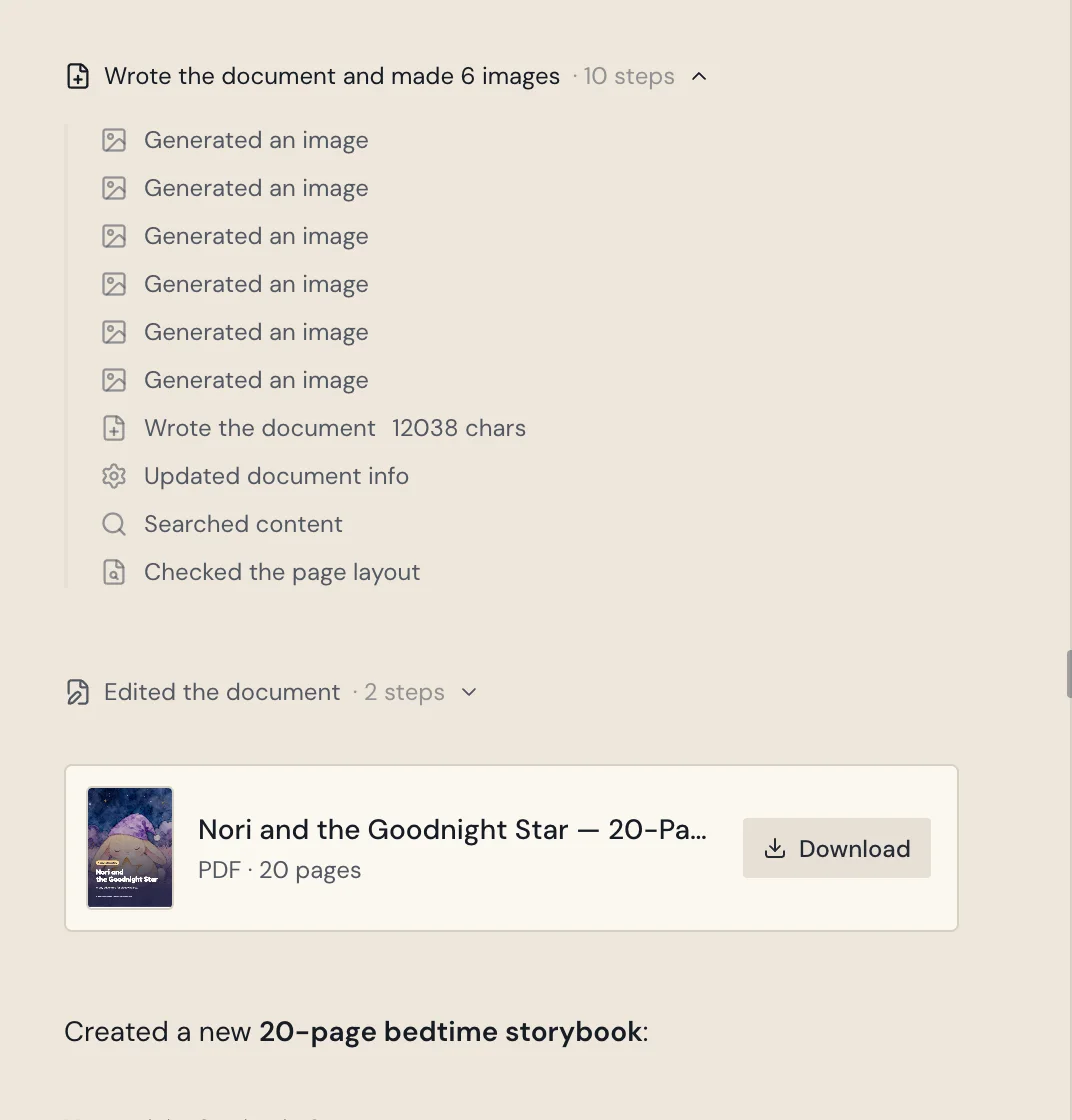
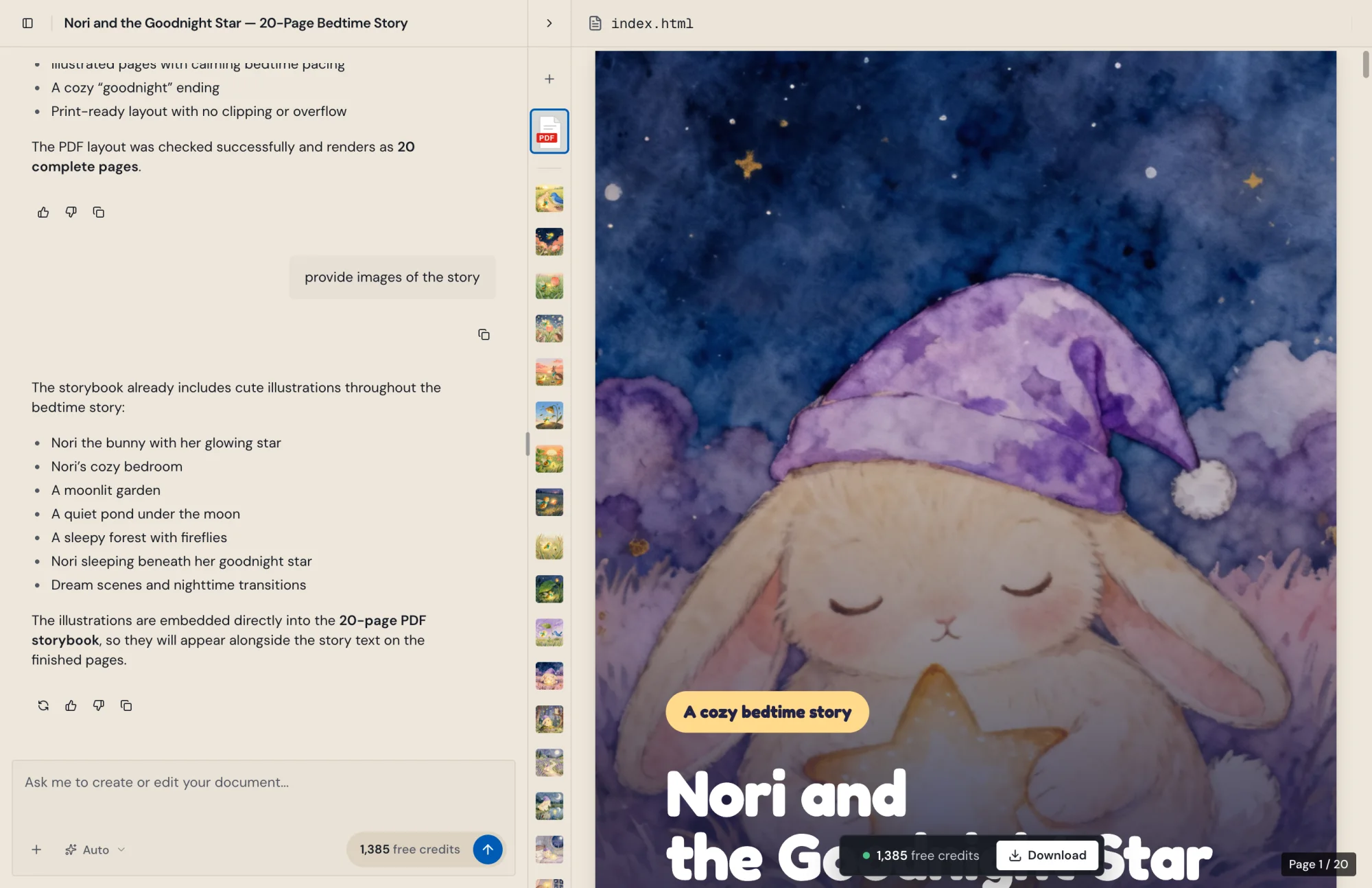
While the AI works, the preview shows the step it is on, and the first draft no longer flashes a placeholder page.
Improvements
6
- ChatLists in AI replies show their bullets and numbers, and line breaks in your messages are kept.
- PreviewThe preview always shows its scrollbar and sits on the app's warm background.
- FilesAttachments upload as soon as you pick them, so you can send sooner.
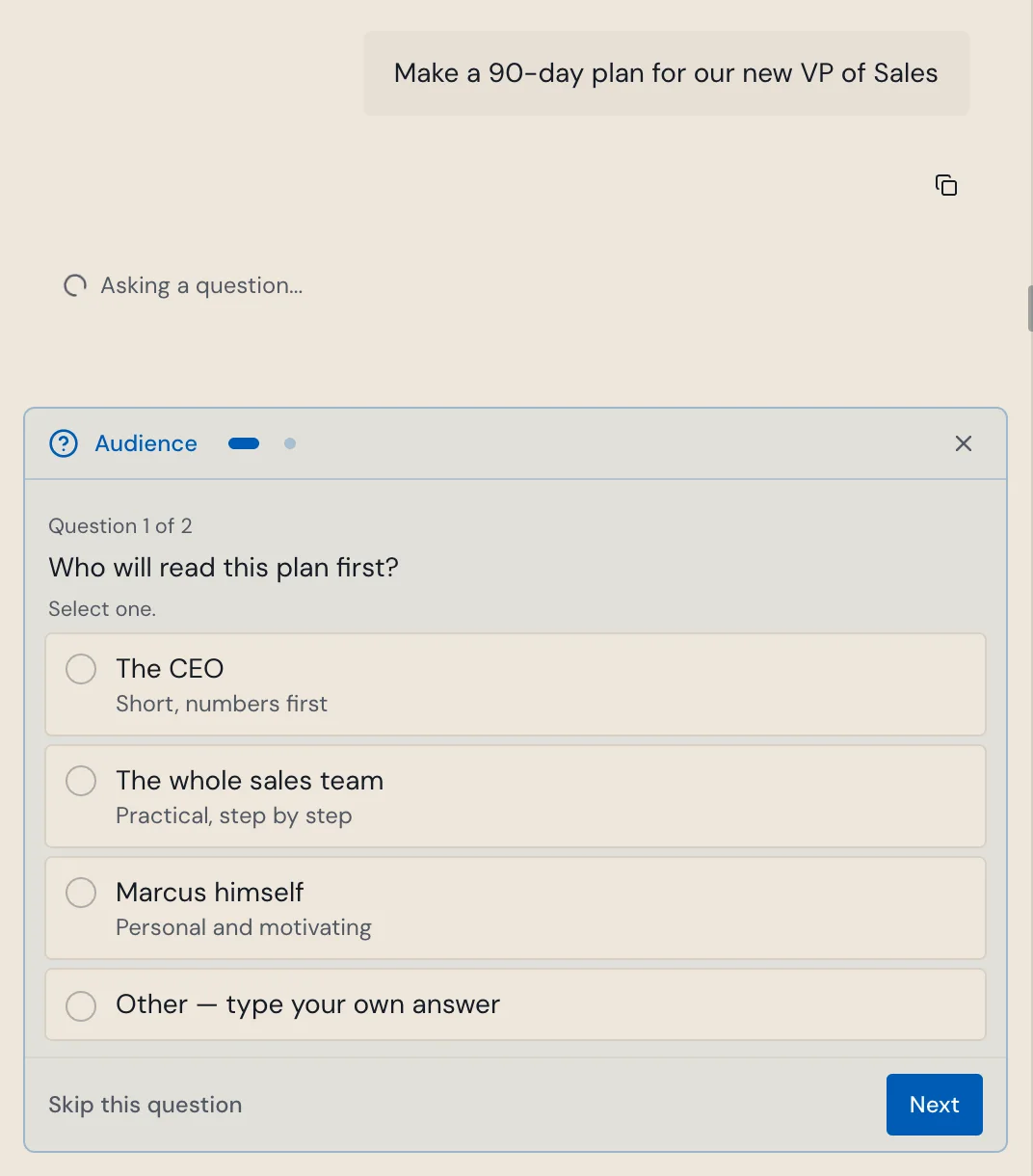
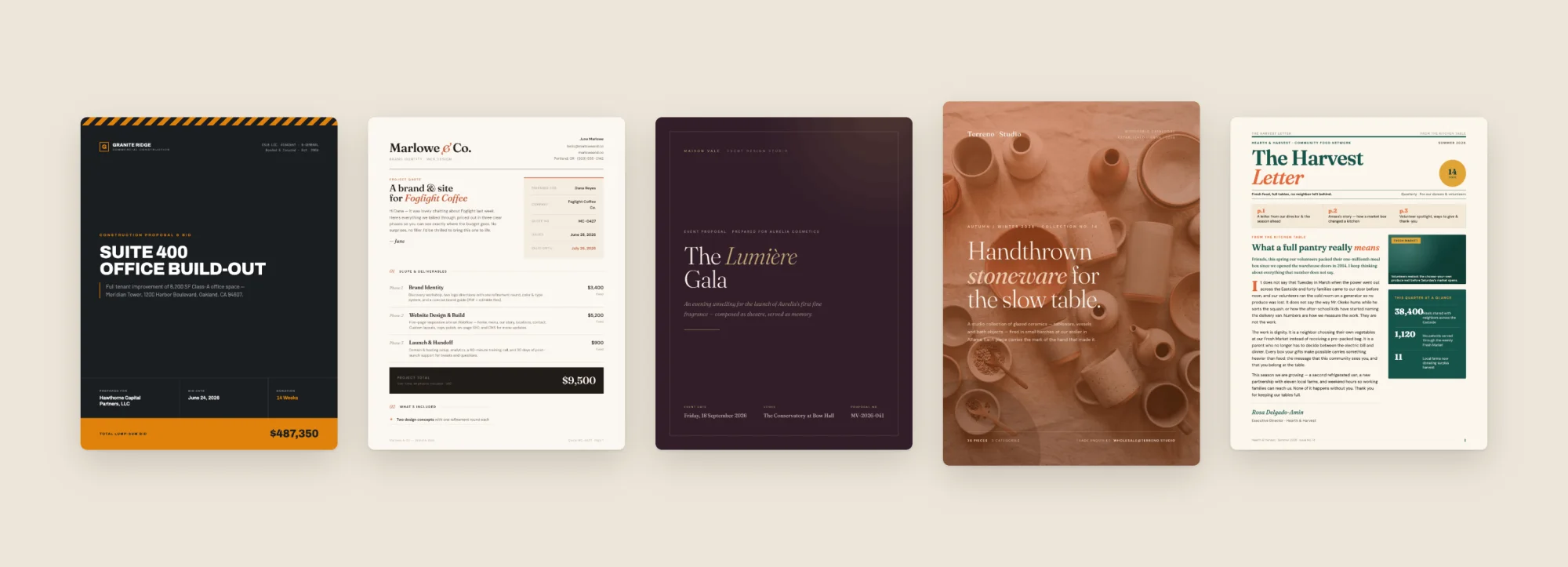
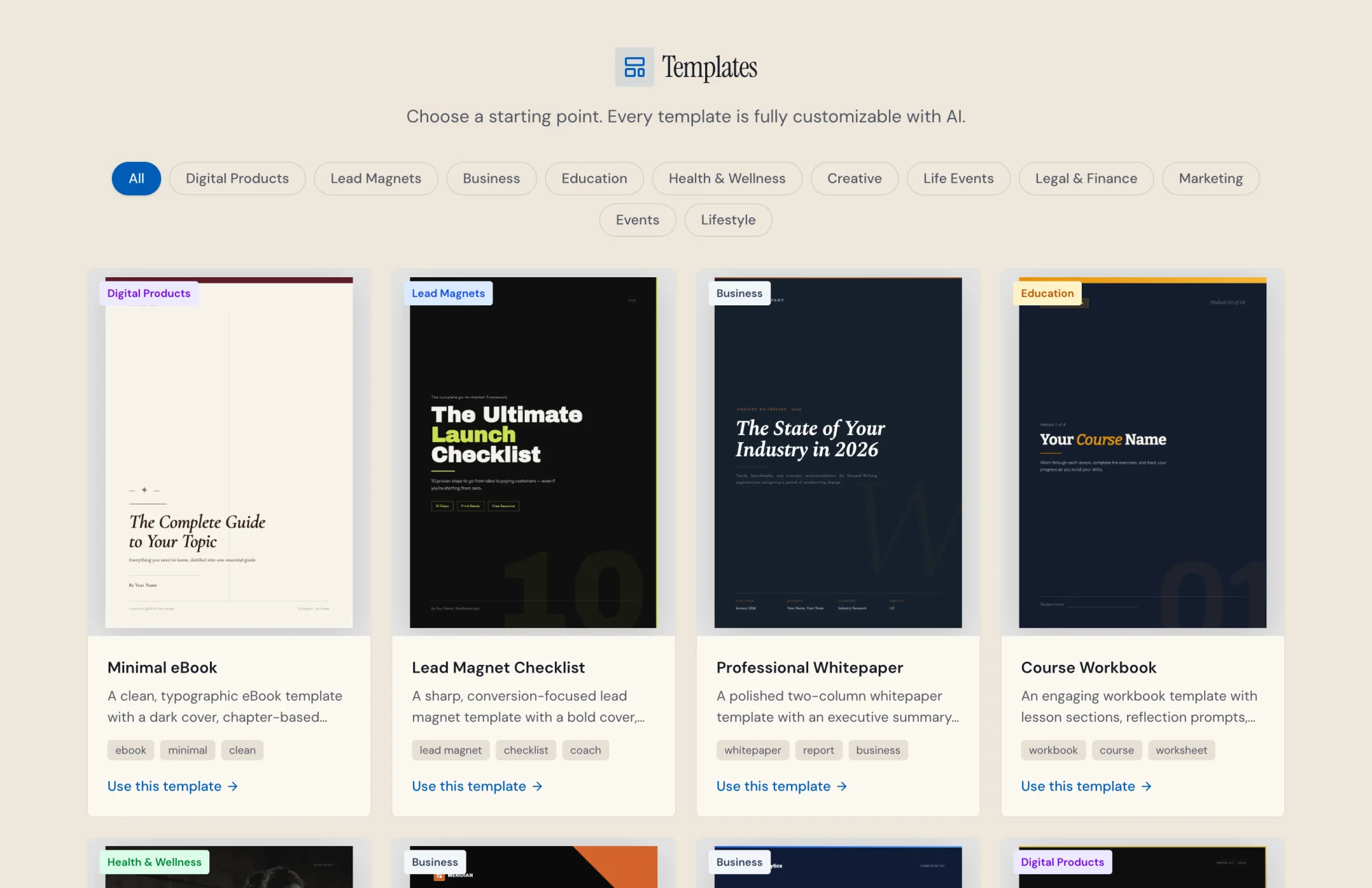
- TemplatesStart from a template or an idea on our website, and your first document opens with it.
- PhonesEnter adds a new line, text fields no longer zoom in, notifications show at the top, and Back closes the preview.
- AccessibilityScreen readers now name every icon button.
Fixes
6
- ChatMessages on very large documents get a reply again.
- ChatWhat you typed stays in the box when a message cannot be sent.
- ChatThe chat no longer jumps to the bottom while you scroll up to read.
- PreviewThe page counter now reaches the last page of short documents.
- DownloadImages that load slowly are kept in the PDF.
- BillingDownload and your credit count stay on screen while credits load.