AI Study guide Generator

Turn a unit of notes into a study guide students actually use

BuildPDFs is an AI study guide generator that turns your notes, a textbook chapter, or a syllabus into a designed PDF study guide. You get learning objectives, a key-terms glossary, a summary of each concept, comparison tables, memory aids, practice questions, and an answer key. Describe the unit, review the draft, ask for changes, and print it or share it.

Free to start · No credit card required · PDF ready in minutes

study guide template preview

The test is on Friday, the notes are in five places, and a chat answer is a wall of text that nobody can study from.

What is it

What is an AI study guide generator?

An AI study guide generator takes source material, such as class notes, a chapter, or a list of topics, and turns it into a structured review document. A good study guide does not only summarize. It defines the key terms, puts ideas that are easy to confuse side by side, and gives practice questions in the format of the real test, with the answers at the end.

BuildPDFs writes that content and designs it as a multi-page PDF: clear headings, tables, callout boxes, and an answer key on its own pages. Teachers can hand it out, and students can print it or study from it on a tablet.

Templates

Made with BuildPDFs

See what creators are building — from study guides to ebooks, lead magnets, and more.

Study Guide

Education

Study Guide

A complete unit study guide with learning objectives, a key-terms glossary, concept summaries, comparison tables, memory aids, practice questions, and an answer key. Pre-filled with a biology unit on photosynthesis and cellular respiration.

Study Guide template
Cornell Notes

Education

Cornell Notes

The classic two-column Cornell note-taking template with a cues column, notes column, and summary box. Includes a pre-filled AP Biology example and 4 blank pages ready to print.

Cornell Notes template
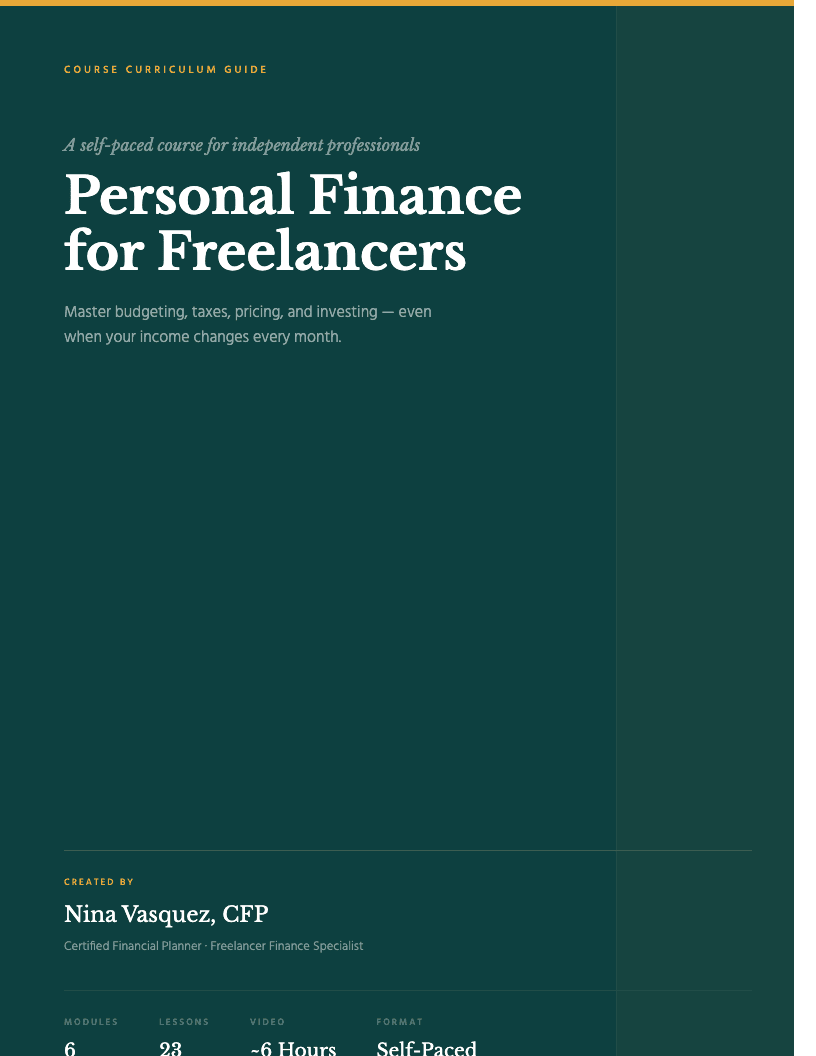
Course Curriculum Guide

Education

Course Curriculum Guide

A detailed online course curriculum with 6 modules, learning outcomes per module, lesson lists with durations, and main exercises. Pre-filled with a personal finance course example.

Course Curriculum Guide template
Executive Coaching Program

Education

Executive Coaching Program

A 12-week leadership coaching program guide with module objectives, biweekly session structure, reflection exercises, and between-session work. Ideal for executive and life coaches.

Executive Coaching Program template
Certificate of Completion

Education

Certificate of Completion

A elegant single-page course completion certificate with decorative border, course name, participant name, completion date, and signature line. Clean and formal design that works for any course.

Certificate of Completion template
Course Workbook

Education

Course Workbook

An engaging workbook template with lesson sections, reflection prompts, lined answer spaces, and a progress tracker. Great for online courses and workshops.

Course Workbook template
Lesson Plan

Education

Lesson Plan

A complete lesson plan template for teachers. Includes lesson info, learning objectives, materials, a timed procedure table, assessment, and differentiation — pre-filled with a Grade 10 English example.

Lesson Plan template
Training Manual

Business

Training Manual

A structured employee training manual with a training schedule, modules with objectives and step-by-step procedures, scenarios, knowledge checks, a skills sign-off sheet, and a completion acknowledgment.

Training Manual template
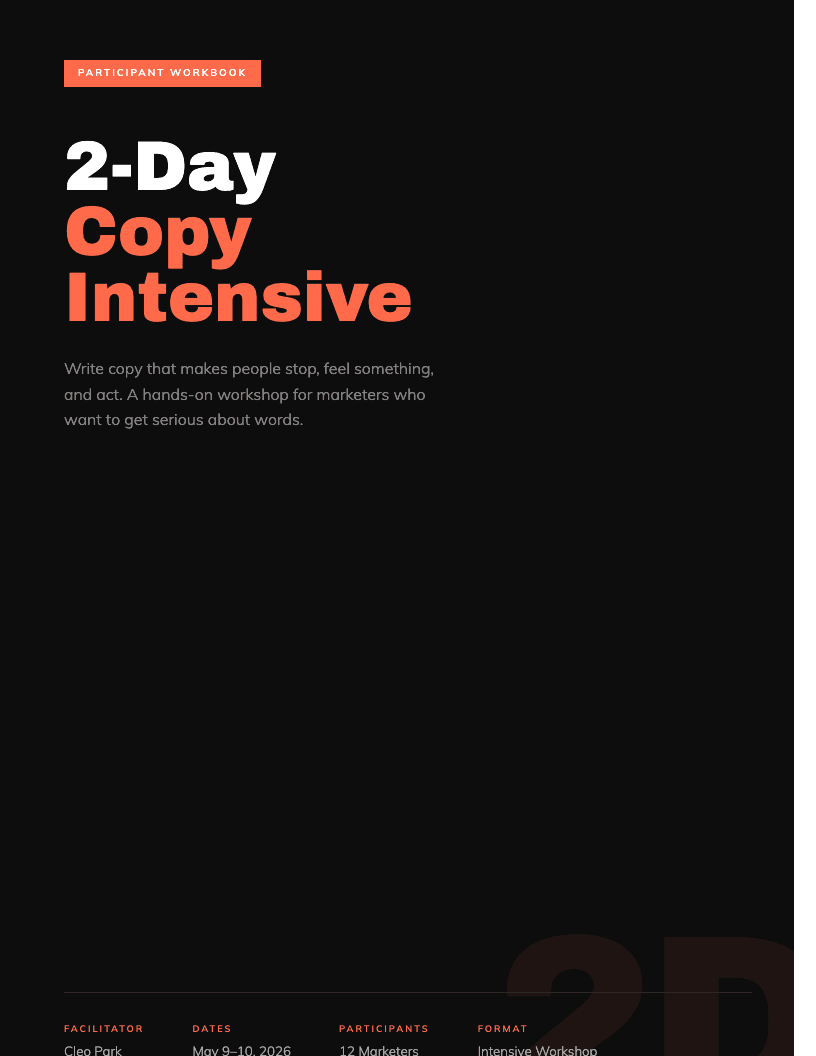
Workshop Workbook

Education

Workshop Workbook

A two-day workshop workbook with exercises, example prompts, lined answer spaces, and notes pages between sections. Pre-filled for a copywriting workshop — Day 1 voice, Day 2 writing practice.

Workshop Workbook template
Storyboard Template

Creative

Storyboard Template

A professional video storyboard template with 6 panels per page, shot type labels, action descriptions, VO/dialogue fields, and duration markers. Includes a pre-filled coffee brand ad example.

Storyboard Template
Fitness & Wellness Guide

Health & Wellness

Fitness & Wellness Guide

A vibrant fitness guide template with workout plans, nutrition tips, a weekly schedule table, and motivational callouts. Perfect for personal trainers and health coaches.

Fitness & Wellness Guide template
Client Onboarding Guide

Business

Client Onboarding Guide

A warm, professional client welcome guide covering how you work, communication norms, tools, reporting cadence, and what you need from clients to start strong.

Client Onboarding Guide template

Templates

Start from a template

Start from the free Study Guide template, then describe your content and the AI rewrites it. These templates are close to it:

  • Cornell Notes template

    The classic two-column Cornell note-taking template with a cues column, notes column, and summary box. Includes a pre-filled AP Biology example and 4 blank pages ready to print.

  • Course Curriculum Guide template

    A detailed online course curriculum with 6 modules, learning outcomes per module, lesson lists with durations, and main exercises. Pre-filled with a personal finance course example.

  • Executive Coaching Program template

    A 12-week leadership coaching program guide with module objectives, biweekly session structure, reflection exercises, and between-session work. Ideal for executive and life coaches.

  • Certificate of Completion template

    A elegant single-page course completion certificate with decorative border, course name, participant name, completion date, and signature line. Clean and formal design that works for any course.

  • Course Workbook template

    An engaging workbook template with lesson sections, reflection prompts, lined answer spaces, and a progress tracker. Great for online courses and workshops.

How it works

How to create a study guide with BuildPDFs

01

Describe your study guide

Tell BuildPDFs what your study guide should cover — the topic, audience, and key points. The AI generates a complete first draft with structure and content.

02

Edit and refine

Review the generated content. Add your expertise, adjust the tone, and customize sections. The AI handles the framework — you add the insight.

03

Export as PDF

Download a print-ready PDF with professional typography and layout. Re-export anytime when you update the content.

Why BuildPDFs

BuildPDFs vs ChatGPT or a Google Doc

BuildPDFsChatGPT or a Google Doc
StructureObjectives, glossary, summaries, practice questions, and an answer key in a set orderA long chat reply or a blank doc that you organize yourself
Comparison tablesConcepts that are easy to confuse go into designed side-by-side tablesPlain text lists, or tables that break when you paste them
Practice questionsMultiple-choice, short-answer, and data questions, with answers on separate pagesQuestions and answers mixed together, so students see the answers first
Print qualityMulti-page PDF with page numbers, headers, and clean page breaksCopied text that loses its format in Docs or Word
ChangesAsk for easier questions, more terms, or a new unit, and the layout staysCopy, paste, and reformat again after every change
ReuseKeep the design and make a guide for each unit of the courseRebuild the format for every new unit

Who it's for

Who uses an AI study guide generator?

High school teachers

You give each class a review guide before every unit test and want it to look the same for all twelve units.

College students

You have six weeks of lecture notes and want one clean guide with every term and a practice test before the midterm.

Tutors

You prepare a short guide for each student before a session, with questions at the right level.

Homeschool parents

You teach a biology unit at home and need a guide with summaries, a glossary, and an answer key you can check.

Test-prep and course creators

You sell exam-prep material and need a branded study guide for each topic in the syllabus.

What's included

What you get with this template

Unit overview with learning objectives and a study-plan checklist
Two-column key-terms glossary
Concept summaries with comparison tables in place of diagrams
Memory aids and a common-misconceptions box
Multiple-choice, short-answer, and data questions
Answer key with a short explanation for each answer

Trusted by creators worldwide

Course creatorsCoachesConsultantsFreelancersTeachers

What creators say

Loved by creators

“I make worksheets and lesson plans every week. BuildPDFs cut my prep time from hours to minutes — and they actually look professional enough to share with parents.”

Rachel T.

4th Grade Teacher

“My course workbooks used to be embarrassing Google Docs. Now students comment on how polished they look. That small thing changed how they perceive the entire course.”

David K.

Online Course Creator

Trusted by creators, educators, and professionals in 15+ countries.

FAQ

Frequently asked questions about study guides

Pricing

Simple, transparent pricing

Start free. Upgrade when you need more.

Hobby

$5/mo
  • 30 AI Credits / month
  • All Templates
  • PDF Export
Most popular

Starter

$19/mo
  • 100 AI Credits / month
  • All Templates
  • PDF Export
  • Standard Support

Pro

$69/mo
  • 500 AI Credits / month
  • All Templates
  • PDF Export
  • Priority Support
  • Early access to features

No credit card required · Cancel anytime

Why BuildPDFs

Built for creators who ship

No lock-in

Cancel anytime. Export your projects whenever you want.

Auto everything

TOC, page numbers, and layout — generated from your content.

Brand-ready

Custom fonts and colors. One theme for all your PDFs.

Print & web

Export for screen (RGB) or print (CMYK). Your call.

Make your next study guide before the next test

Free to start. No design skills. No credit card required.